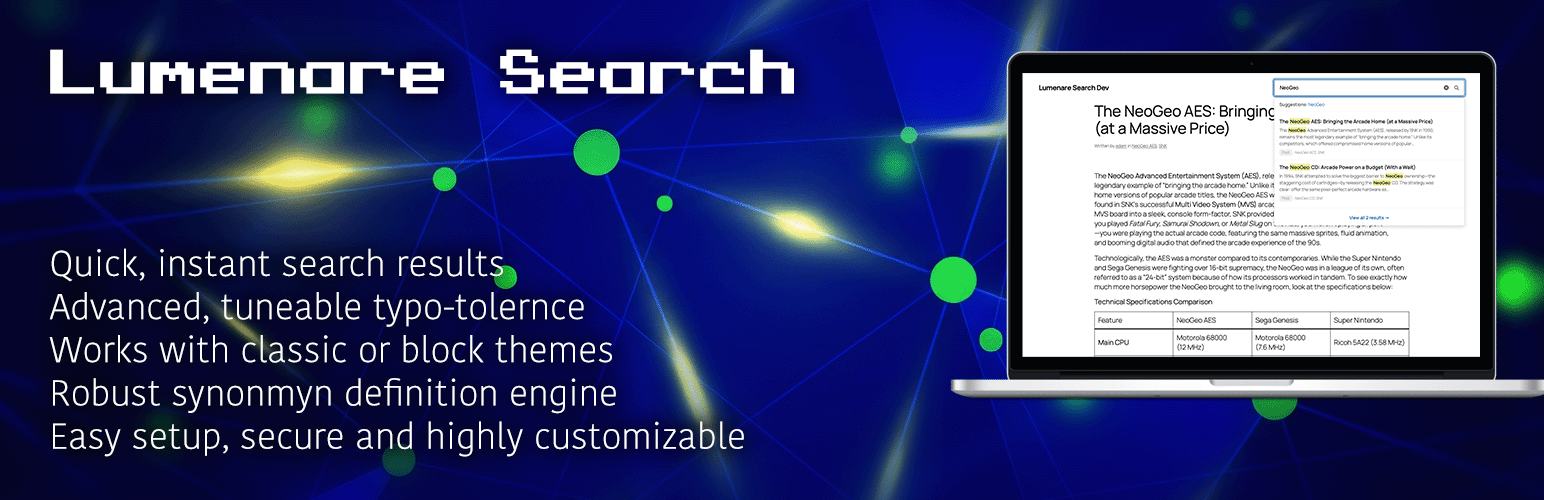
If you’ve ever gone shopping for a WordPress search plugin, you know the drill. On one end, there’s the default WordPress search—which is “functional” in the same way a tricycle is a “vehicle.” On the other, you have premium plugins that offer incredible results but come buried under a mountain of configuration tabs you never asked for.
I built Lumenare Search because I wanted the “Goldilocks” solution: a genuinely free, developer-friendly engine that does the heavy lifting of intelligent search without the “Pro” price tag or the administrative bloat.
The Problem with “Pro” Search
Commercial search plugins often follow the same playbook: pack in every conceivable toggle, custom CSS editor, and drag-and-drop builder to justify a premium license. If you’re a site owner who wants to build a UI from a settings panel, that’s great. But for developers, all that UI is just overhead.
For quite some time, my “go-to” search plugin was always Ajax Search Pro. It’s a great plugin and I have nothing but good things to say about it and it’s developer. However, as the plugin matured and added more features, I found myself struggling to integrate the frontend search presentation into the custom themes I had been tasked with building.
I kept hitting the same wall with Ajax Search Pro, I’d spend days fighting its built-in styles and themes to match my design. The plugin was trying to own the entire experience which is okay and not a criticism but I needed something I could work into my design so that it looked like it was supposed to be there. With Ajax Search Pro, I had to shoehorn a great search engine that didn’t quite look right into my custom themes and hope no one noticed. I wanted a search engine instead of a search theme.
What’s Under the Hood?
At its core, Lumenare Search swaps out the basic LIKE queries of default WordPress for a sophisticated, weighted keyword index. It prioritizes matches where they matter most—titles carry more weight than excerpts, and excerpts more than body content.
But relevance is about more than just weights. I’ve included the features that actually move the needle on user experience:
- Fuzzy Matching: Because humans are bad at typing. A search for “WordPres” still finds your content using Levenshtein distance.
- Synonyms: Map “car” to “automobile” or “vehicle” so your users find what they need, even if they don’t use your specific vocabulary.
- Stop Words: We strip out the noise (like “a,” “the,” and “is”) so the index stays lean and focused on meaningful keywords.
- Dynamic Trending Ranking: Automatically surface the content that’s actually gaining traction on your site right now.
- Actionable Analytics: Track zero-result queries to identify content gaps and see exactly what your users are looking for.
The Developer-First Philosophy
Here is the Lumenare difference: It stays out of your way. There is no visual builder. No custom CSS editor baked into your admin panel. The settings that exist are there to tune search behavior—match modes, weights, and logic.
How the form looks and how the results are displayed is your domain. Whether you’re using the Gutenberg block, a shortcode, or a widget, Lumenare provides the data and the functionality; you provide the CSS and the theme integration. A search plugin should empower your frontend architecture, not dictate it.
Free, Private, and Local
I believe core search functionality shouldn’t be locked behind a paywall. There is no “Pro” version of Lumenare Search. No feature gating, no upsells, and no nag screens.
More importantly, Lumenare Search is private by default. It runs entirely on your server. No external API calls, no third-party data transmission, and no cloud dependencies. Your index and your analytics live in your database. If you clear them, they’re gone.
Ready to Try It?
Lumenare Search is available now on the WordPress Plugin Repository.
Install it, build your index, and see how it feels. If you want to dive deep into the technical weeds, check out our Getting Started Guide or our Weight Tuning Guide.
If you have a feature request or run into a bug, catch me over at the Support Forums. Let’s make search better together.